Why I dropped the all-in-one productivity apps

Hank Quense • September 22, 2026

Share this article

I've tried just about every productivity app available,

specifically all-in-one productivity apps such as Notion, Monday and many more.I tried some of them several times in attempts to organize my writing projects. In the end, I dumped them all because I working on several projects at a time and bounce around depending on my whims.I’ll also go off on a tangent to explore some new and interesting idea. My work is rarely scheduled: a task is done when it's done. An approach like this is called Messy Thinking.


 This article is about how I use a few apps to manage my projects instead of the all-in-one apps that aren’t geared for this unfocused style of work. The all-in-one apps demand attention and constant updating.I've lost countless hours trying to get these productivity apps to match my style of work. I finally gave up and moved on. Typically, my projects are new books, a lecture, a workshop or any other activity that holds my attention. To manage these projects, I use a toolkit of mismatched apps that bend to how my mind actually moves. 


There are six apps in my 'portfolio' of productivity. So, what apps do I use? Well, I do use a set of ordinary apps — documents, spreadsheets and presentation apps — and I use them quite a bit, but they aren't exactly productivity apps. To replace the all-in-one productivity apps, I use a combination of six mismatched apps:


  • Perplexity: for research, exploration, and AI assistance
  • Freeform: for visual thinking and arranging ideas
  • Workflowy: for lists, outlines, and project organization
  • Simplemind Pro: forcstructured mind mapping
  • Recall: for saving and retrieving useful knowledge
  • Ellipsus: for drafting and developing written material 


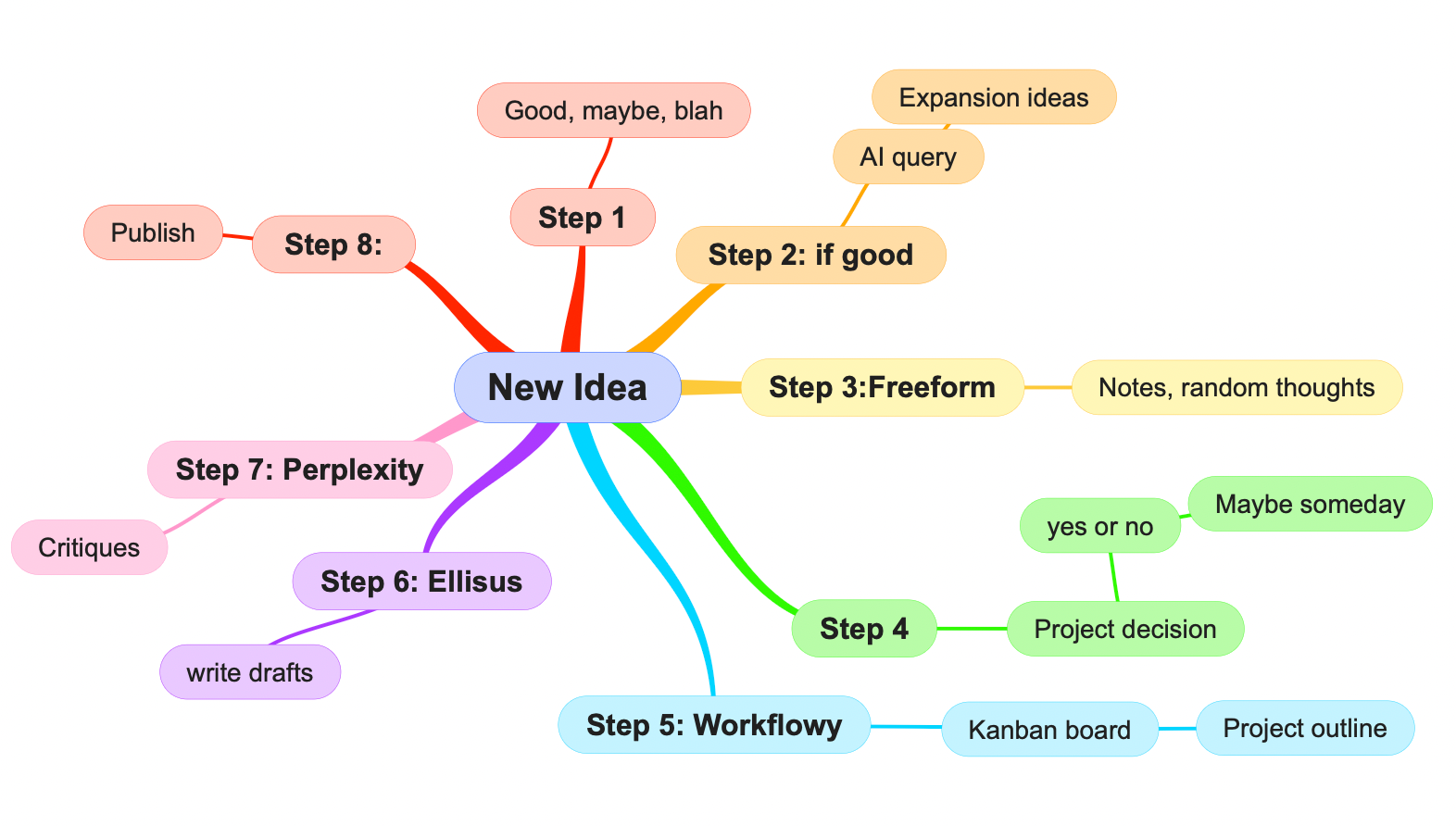
Here is how my Messy Thinking works. Whenever I get an idea that I consider worth exploring ,I write a query in Perplexity to expand the idea and provide possible novel approaches. Before or after using the AI, I scribble on Freeform to record the idea for later on. At this point, I often move away from the idea, but if it keeps popping up in my mind when I'm trying to work on a different project (which often happens), I realize I have to go back and follow that idea where ever it's going. That happens to be great fun.


 The mind-map above illustrates the entire process and it consists of eight separate steps. As you might expect, this graphic is a Simplemind Pro mind-map.
I can hear some of you saying, "Hey! Wait a minute. If you can mind-map the process then it isn't really messy!"


This is an astute observation but it assumes I follow the eight step process. The reality is that I rarely, if ever, follow this entire step-by-step plan. A typical procedure for me would be step 1 followed by step 3 followed by step 6 until I run out of material. Then it's back to step 2 or it can even get dropped for a while as I jump to a different project. Thus, true messiness reigns despite the mind-map. 


Notice two apps are absent from the mind-map: Simplemind Pro and Recall. During the eight step process, I'll stop and use Simplemind if I get confused and/or if the work seems to be gibberish. This last often occurs because of messy thinking in which ideas are tripping over each other or overlap. In these cases, mind-mapping will often provide clues on how to get the project back on track. I'll also use a mind-map to develop a plan for promoting whatever the project resulted in: book, a lecture, a workshop, whatever. 


Recall is used in two situations. One is to produce (or recall) material that can be used in the project and the second is to add the final product to the database to increase its depth of knowledge.


Now, a word about my apps and your way of messy thinking. Your way most likely is different from my way and these apps may not not fit your way. Indeed, you may already use Obsidian or prefer to use paper and pencil for your mind-maps. So, try my apps out and see if they’ll work for you. If not find the apps that will work with your messy thinking.


And that is how I broke away from all-in-one productivity apps and built a toolkit for my messy thinking. 


This material was taken from my just released book: Beginner's Guide to Productivity for Messy Thinkers.


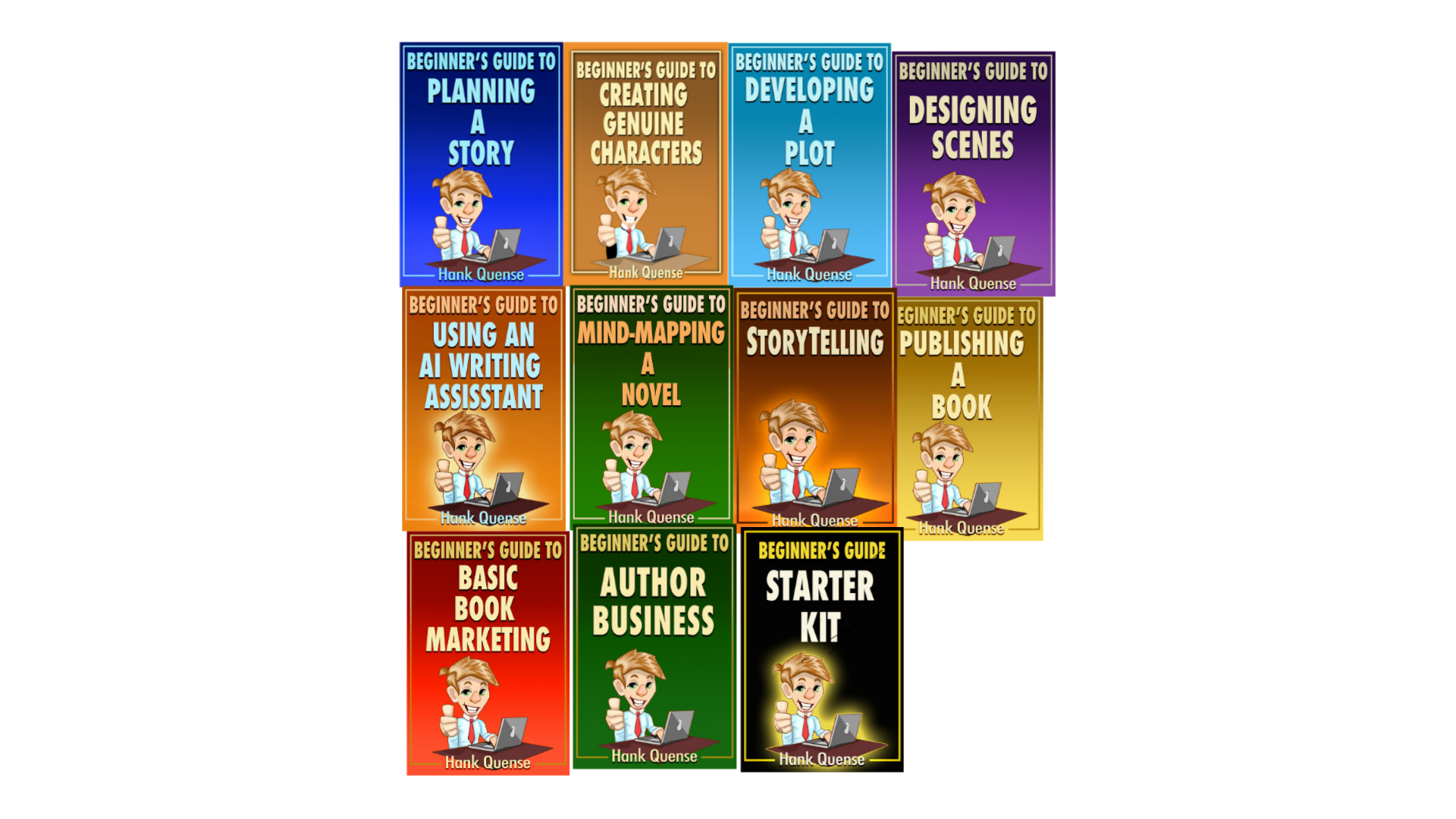
You can see the entire Beginner's Guide series here.


Recent Posts

By Hank Quense • September 4, 2026
A new detective novel is now available
By Hank Quense • August 28, 2026
You really should use an AI writing assistant!
By Hank Quense • August 14, 2026
The Beginner's Guide series has expanded (again!)

By Hank Quense • July 30, 2026
New tools for writers and authors
By Hank Quense • July 18, 2026
You need an AI Writing assistant
By Hank Quense • July 3, 2026
My Beginner’s Guides series just grew
By Hank Quense • June 23, 2026
This post will explain who needs each book
By Hank Quense • June 8, 2026
Here are a few suggestions
By Hank Quense • June 3, 2026
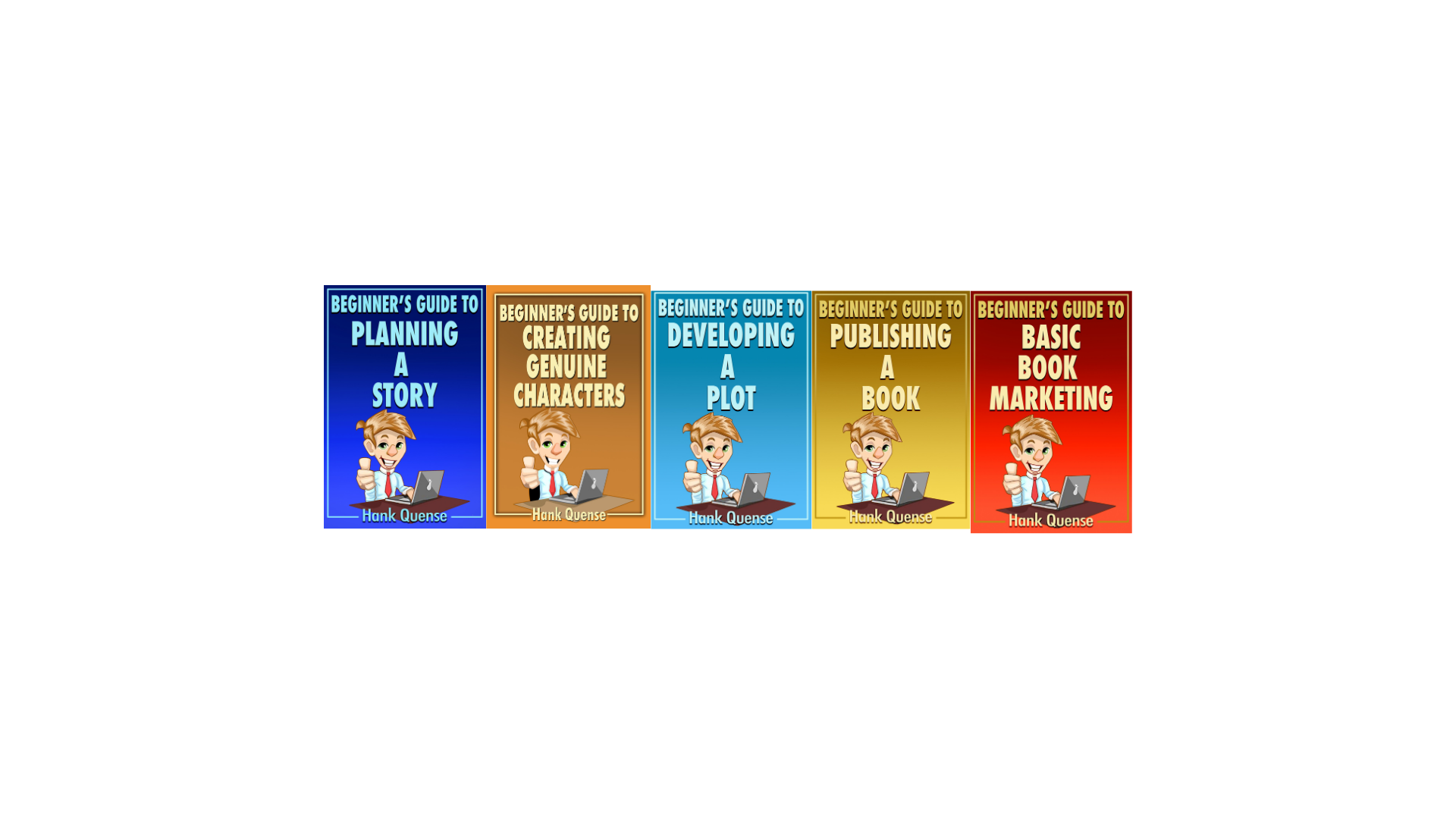
Over the years I’ve seen the same pattern with new writers: tons of enthusiasm, then frustration when the story stalls, the plot won’t cooperate, or the whole publishing and marketing side feels like a maze. So I finally pulled everything I teach and coach about into a set of short, focused “Beginner’s Guide” ebooks.[ Each guide tackles one piece of the journey: Beginners Guide to Planning a Story – taking a loose idea and turning it into a workable plan: characters, plot, setting, and overall storyline. Beginner's Guide to Creating Genuine Characters : how to ensure your characters don't bore the reader. Beginners Guide to Developing a Plot – building believable plots, from inciting incident through climax, plus character and emotional arcs. Beginners Guide to Publishing a Book (and Not Getting Screwed) – a straight‑talk tour of today’s publishing options, including how to avoid the predators. Beginners Guide to Basic Book Marketing – the essentials of book marketing for first‑time authors: landing pages, blurbs, keywords, and building a simple author platform. They’re deliberately short, practical, and meant to be used. Read it in an evening and apply your new knowledge the next day. I have several more Beginner's Guides under development: on scene design, business, mind-mapping and AI assistants. There is also a free Beginner's Guide Starter Kit: it contains material from each guide including the ones under development. You can download a copy here.

By Hank Quense • May 16, 2026
Yeah, you really do!
Show More